OpenAI quietly added a feature that tells you a lot about where business AI is going. In the ChatGPT Business release notes for August 13, 2026, the company describes Computer History for macOS: an optional feature that lets members bring context from selected apps and websites into ChatGPT and Codex.
The important part is not that ChatGPT can remember another bit of context. The important part is that AI is moving closer to the messy, half-finished work that actually runs a company: the tabs your team opened, the files they touched, the app they were using before asking for help, and the sequence of steps that led to a decision. That can make AI far more useful. It can also create a privacy and control problem if you turn it on without a plan.
What Changed
According to OpenAI's release notes, Computer History records interaction events, not screenshots, screen recordings, microphone input, or system audio. It is off by default for ChatGPT Business, and a workspace admin must enable access before members can opt in. Members can pause it, choose included apps and sites, and inspect or delete timeline items. OpenAI also notes that the feature is not currently available in the EEA, UK, or Switzerland.
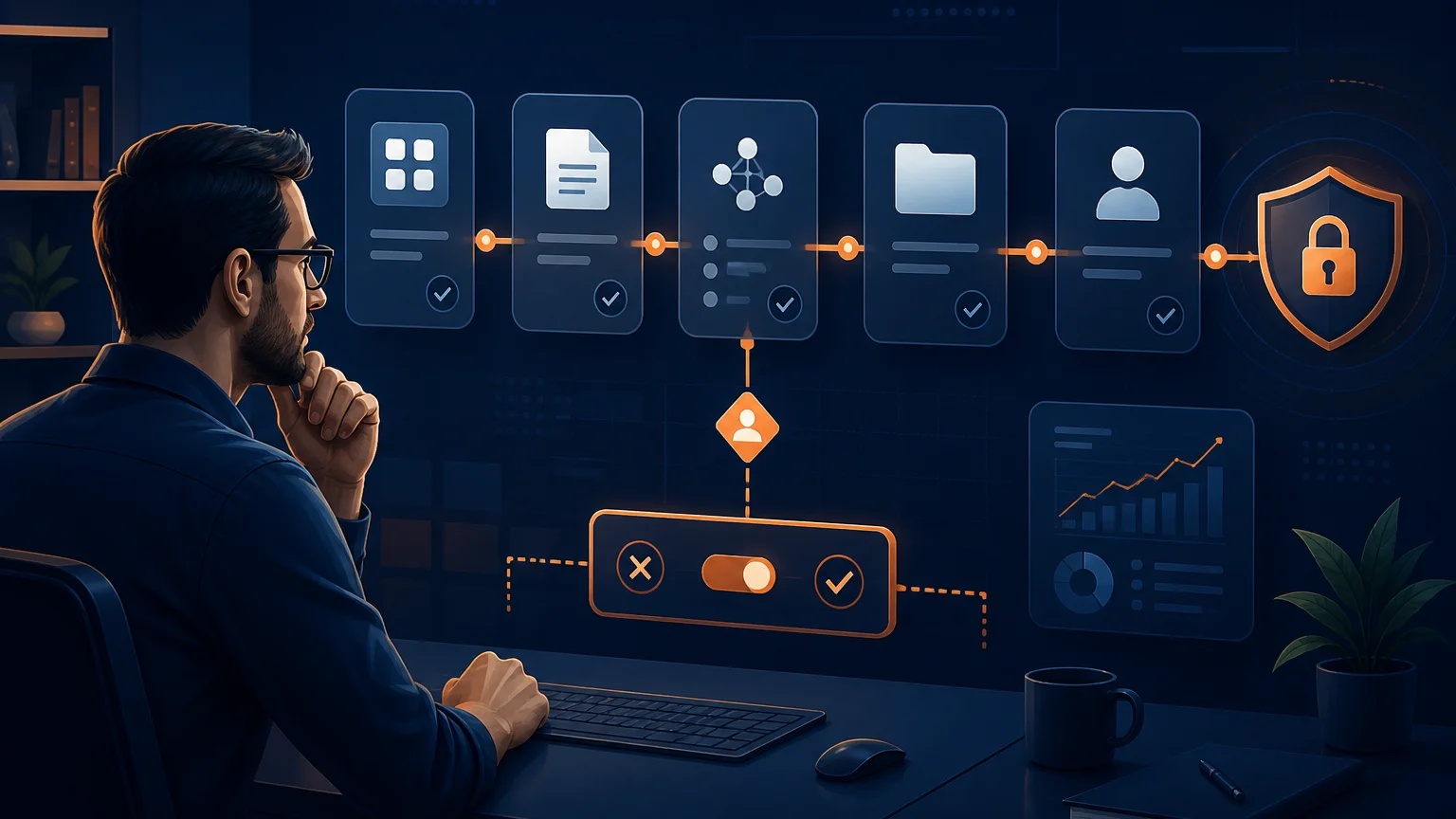
That design matters. It suggests the major AI platforms understand that workplace context has to be permissioned. A desktop AI assistant that knows what you were doing five minutes ago is useful only if users and admins can narrow what it can observe. For business owners, this is the shift to pay attention to: AI assistants are becoming workflow-aware, not just prompt-aware.
Why This Matters for Small Businesses
Most small businesses do not have a knowledge problem. They have a context-transfer problem. A customer complaint lives in Gmail, the related order is in Shopify, the refund policy is in a Google Doc, and the latest promise from sales is buried in a meeting transcript. A normal chatbot waits for an employee to collect that context. A workflow-aware assistant can help retrieve it as part of the work.
Google is moving in the same direction inside Workspace. In its July 2026 Workspace update, Google said Gemini in Slides can generate editable presentations while referencing existing decks and gathering context from Google Docs, Sheets, PDFs, or previous decks. The same update says Gemini in Docs can synthesize comment threads, create and respond to comments, suggest document edits, and generate visuals from the document's context.
Anthropic's enterprise examples point the same way. In an August 2026 announcement about Cognizant, Anthropic said more than 30,000 Cognizant associates had completed Claude training and described client deployments including an agentic contract-intelligence system that helped cut contract review time by up to 40 percent while lifting extraction accuracy above 88 percent in that deployment. Those are enterprise examples, but the pattern applies to smaller teams: AI gets more valuable when it can see the work system around the task.
Where This Becomes Useful First
The first useful use case is support follow-up. Instead of asking an employee to paste a customer email, search the order record, find the policy, and draft a response, an AI assistant can help assemble the context and prepare a reply. The human still approves the message, but the tedious retrieval work shrinks.
The second use case is project cleanup. After a manager reviews a spec, checks a few tickets, and reads a Slack thread, the assistant can help turn that work trail into updated tasks, a summary for stakeholders, or a decision log. If you have not built this muscle yet, our guide to automating post-meeting work is the cleanest place to start because it uses transcripts and action items before expanding into broader desktop context.
The third use case is internal reporting. A manager who spent the morning checking dashboards, invoices, and customer notes can ask for a weekly summary that already understands which systems were reviewed. That does not replace a business intelligence process, but it can make the narrative layer faster. For a more structured version, see our guide to AI-powered business intelligence.
The Guardrails Come Before the Rollout
Do not enable broad computer or app context for everyone on day one. Start with a simple rule: AI can observe low-risk workflows before it can observe sensitive workflows. Customer support macros, public marketing documents, and internal project notes are reasonable pilots. Payroll, legal documents, health information, security settings, and finance folders need stricter approval.
Run the same access review you would run for any connected agent. Which apps are included? Which sites are excluded? Who can enable the feature? Who can delete history? What data should never be captured? Who reviews whether the pilot is helping? Our AI agent permission audit checklist gives you the operating structure: map connections, classify risk, add approval gates, and keep logs someone will actually read.
Also separate "context" from "action." Letting an assistant understand what app someone used is not the same as letting it send an email, update a CRM, delete a file, or publish a page. Treat write actions as a separate permission tier. Tools like Make.com can help because approval steps can be made explicit: AI drafts, a human reviews, the workflow acts, and the result gets logged.
Want AI workflow context without the privacy headache?
We help small businesses design AI rollouts with useful context, narrow permissions, approval gates, and measurable outcomes.
Book a Free Strategy Call →A Sensible 30-Day Rollout Plan
Week one is inventory. Pick one department and list the daily workflows where people waste time reassembling context. Look for repeated phrases like "let me pull that up," "where is the latest version," and "what did we decide last time?" Those are good candidates.
Week two is a limited pilot. Choose five users, one workflow, and a small list of approved apps or sites. Make the scope boring on purpose. For example: customer support follow-up can include the help desk, order lookup, and approved policy docs, but not finance folders or unrelated personal browsing.
Week three is measurement. Track minutes saved, draft quality, corrections needed, and whether the assistant used the right context. Do not settle for "people like it." Ask whether it reduced rework, improved response speed, or helped someone finish a specific deliverable faster.
Week four is expansion or rollback. If the workflow works, extend it to one adjacent team or one additional data source. If it creates confusion, narrow the context and improve the instructions. AI adoption gets messy when every department improvises. It gets manageable when each workflow has an owner, a scope, and a review cadence.
The Bottom Line
Computer History is not just a ChatGPT feature. It is a signal. The next phase of workplace AI is about assistants that understand the path of work, not just the sentence you typed into a prompt box. That is good news for business owners who want AI to save real time instead of producing generic drafts.
But the businesses that benefit will be the ones that treat context as a controlled asset. Turn on enough context for the assistant to be useful. Exclude the systems that are too sensitive for a first pilot. Keep humans in charge of external commitments. Review the logs. Then expand.
If you want a practical version of this for your company, book a free strategy call at apolloagent.ai. We will help you map where AI should watch, where it should act, and where it should stay out of the way.