AI is not just making existing jobs faster. It is changing who does which task. That distinction matters if you run a small business, because the real opportunity is not "make everyone use AI more." The opportunity is redesigning the handoffs that slow your company down.
OpenAI's July 2026 Work at the Frontier research analyzed more than 800,000 work-related ChatGPT messages from U.S. users and found that 43.5% of occupation-specific messages involved tasks associated with another occupation. In plain English: people are using AI to cross role boundaries. A customer support rep drafts marketing copy. A salesperson explores a dataset. An owner reviews a contract before sending it to counsel.
Why This Matters More for Small Businesses
Large companies can solve bottlenecks with specialists. Need a dashboard? Send it to analytics. Need contract language? Send it to legal. Need a campaign brief? Send it to marketing ops. Small businesses usually do not have that luxury. The person closest to the problem either waits, improvises, or does the work themselves.
OpenAI's same research found that outside-occupation task share was higher in smaller workspaces: 18.9% for users in workspaces with 2-5 seats versus 16.3% for users in workspaces with more than 100 seats. That is not a magic productivity stat. It is a signal that smaller teams are already using AI as a generalist layer when specialist resources are scarce.
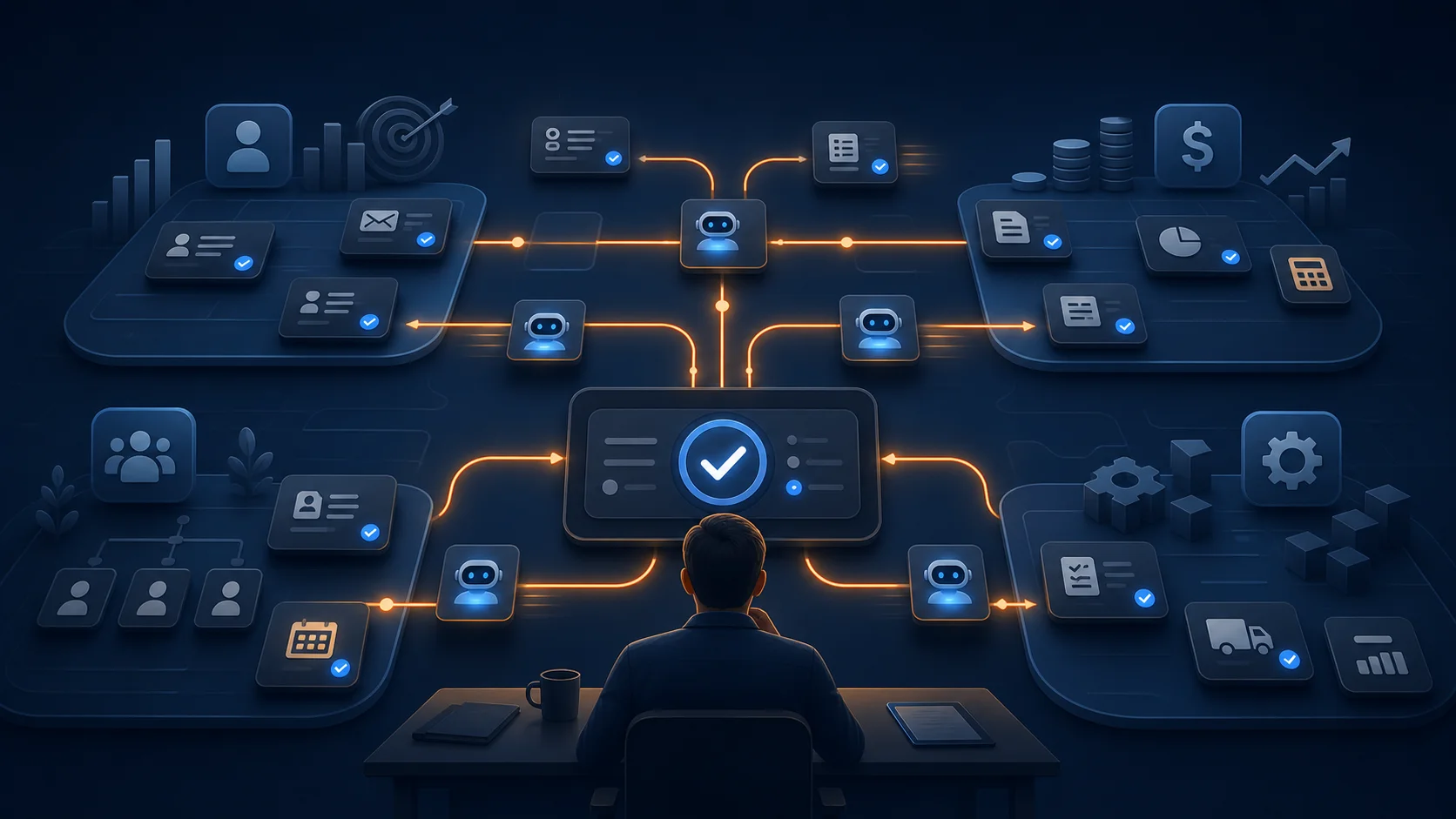
This is where job redesign becomes practical. You are not rewriting org charts. You are identifying tasks that used to require a handoff and deciding whether AI can move the first draft, first analysis, or first pass closer to the person who needs the answer.
The New Pattern: Task Crossover
OpenAI calls this "task crossover": work historically associated with one occupation appearing in another worker's AI use. The pattern is strongest in exactly the functions small businesses lean on every day. After generic tasks were excluded, OpenAI reported outside-occupation tasks in 77% of occupation-specific messages from customer experience workers, 69% from HR workers, 56% from legal workers, and 53% from marketers.
That does not mean your customer experience lead should become your lawyer or your HR coordinator should become your CFO. It means the first layer of work can move. A support lead can turn recurring ticket themes into a product brief. An HR manager can draft a department-specific onboarding checklist. A sales rep can ask AI to structure messy CRM notes before the Monday pipeline meeting.
Anthropic is moving in the same direction from the data side. Its July 2026 Economic Index connector lets Claude users ask how different occupations, regions, and fields are using AI, while noting that the data reflects Claude usage rather than the labor market as a whole. The important point is not which vendor has the cleaner dataset. The important point is that AI usage is now detailed enough to guide workflow decisions instead of vague predictions.
What You Should Delegate First
The safest first candidates are tasks where the inputs are known, the output format is repeatable, and a human can review the result quickly. Think first draft, first sort, first summary, first comparison, first checklist. AI should reduce the blank-page and coordination tax before it touches money, policy, or customer commitments.
Good small-business examples include:
- Sales: turn call notes, CRM history, and website research into a follow-up plan before the rep writes the final email.
- Operations: convert messy Slack updates into a weekly status report with blockers, owners, and next actions.
- Finance: group invoice exceptions by vendor, amount, and reason so the owner can approve the right next step.
- HR: create onboarding checklists from role descriptions, manager notes, and existing policy documents.
- Customer success: summarize churn-risk signals from support tickets and recent customer messages.
If you want a broader shortlist of automation candidates, start with our guide to 5 AI automations every small business should set up. The same principle applies here: pick work that repeats, has clear inputs, and causes measurable drag when it is late.
What Should Stay Human
AI can move work across roles, but it should not move accountability. Anything involving legal advice, employee discipline, pricing exceptions, refunds, vendor termination, payroll changes, customer commitments, or brand-sensitive external messages needs a human owner.
The practical rule is simple: let AI prepare, compare, summarize, and draft. Keep humans responsible for decisions, approvals, exceptions, and relationship moments. A model can draft the contract risk memo. Your attorney reviews the legal exposure. A model can prepare the refund recommendation. Your manager approves the money leaving the business.
This is also where tools like Make.com are useful. You can connect the AI output to Slack, email, a CRM, or a task manager, but put an approval step between the recommendation and the action. The workflow should make the approval obvious instead of relying on everyone remembering the rule.
Want help redesigning one workflow around AI?
We help small businesses identify handoffs, set approval gates, and build AI automation systems people actually use. Book a free strategy call and we will map your best first workflow.
Book a Free Strategy Call →A 30-Day Job Redesign Plan
Week one: map the handoffs. Pick one recurring process and list every time work moves from one person to another. Look for delays caused by waiting on a first draft, a summary, a spreadsheet cleanup, or a decision packet.
Week two: move the first pass. Choose one task and let AI generate the first version. Do not automate the final action yet. Measure whether the reviewer can get to a usable result faster than before.
Week three: add the approval gate. Define what the AI can do alone, what needs approval, and what is off limits. If the workflow touches customers, money, employee data, or legal risk, the approval gate is mandatory.
Week four: measure and decide. Track time saved, rework, error rate, and employee experience. If the workflow saves time without adding review burden, expand it. If it creates confusion, tighten the inputs or pick a simpler task.
For a more complete governance lens, read our AI agent governance guide for small business. Role redesign without permissions and review rules becomes chaos quickly.
Choose Tooling Around the Work Surface
Do not start by asking which model is smartest. Start by asking where the work already happens. If your team lives in Google Workspace, use Gemini and Workspace-native workflows before adding another surface. If your team is already on ChatGPT Business or Enterprise, test ChatGPT Work against a bounded workflow. If the process spans six apps, use an automation layer to connect the pieces and keep the audit trail visible.
The best AI deployment is usually boring from the outside. A Monday report arrives on time. A customer recap is ready in minutes. A vendor exception has the right context before the owner opens it. A new hire's checklist is complete before day one. Nobody gives a speech about transformation. Work just moves with fewer delays.
That is the real promise of AI job redesign for small businesses. Not fewer humans. Fewer unnecessary handoffs. Not autonomous everything. Better first drafts, cleaner context, and decisions made by the people who are actually accountable.
If you want to see where this would matter in your own company, book a free strategy call at apolloagent.ai. We will help you find one high-friction workflow, redesign the handoff, and build the AI system with the right approval gates from day one.