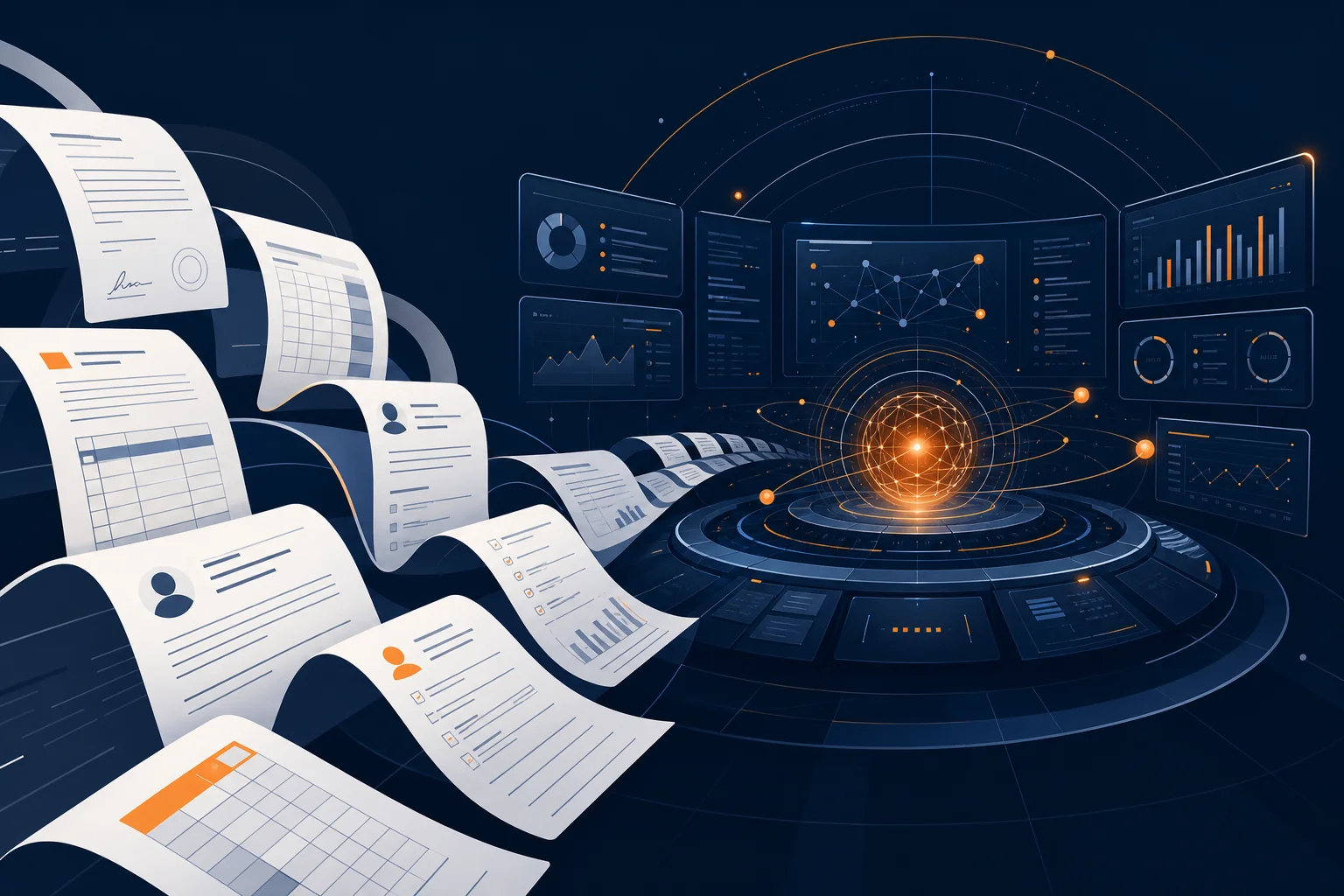
Long-context AI sounds like a spec sheet detail until you hand it a messy business problem. A normal chatbot can help with a single email, a few notes, or a pasted policy. A million-token context window changes the shape of the assignment: entire contracts, call transcripts, SOPs, sales notes, implementation docs, and the last six months of customer feedback can sit in the same working session.
The practical question is not "how big is one million tokens?" It is "what can your team stop splitting into tiny pieces?" Anthropic's Claude documentation now lists several current Claude models with up to a 1M-token context window, and Anthropic's Claude 4 launch emphasized stronger tool use, agent workflows, and long-running task performance. For business owners, the opportunity is real, but only if you treat context as an operating asset instead of a place to dump files.
What Actually Changed
A context window is the model's working memory for the current request: your prompt, attached documents, prior messages, tool results, and the answer it is generating. Anthropic's platform docs describe the limit as up to 1M tokens depending on the model, while noting that other Claude models still have smaller windows. That distinction matters. This is not "every Claude plan now reads everything forever." It means certain models and deployment paths can work with far more material in one task than the 100K-200K token range many teams got used to.
The business shift is simple: you can ask the AI to reason across the whole operating picture instead of a cropped screenshot of it. A law firm can compare intake transcripts against its qualification rules and case notes. An agency can review a full client account history before drafting a renewal strategy. A manufacturer can put SOPs, vendor emails, and inspection reports in one analysis session. If you already read our guide to long-context AI for business, think of this as the more tactical version: what to do with that extra room on Monday morning.
Where 1M Tokens Helps Most
The strongest use cases have three traits: the source material is long, the answer depends on cross-references, and the cost of missing context is high. Contract review is the obvious example. A 90-page master services agreement, three amendments, a redline history, procurement notes, and the client's fallback positions are too much for a short prompt. In a long-context workflow, the AI can compare definitions, obligations, renewal terms, payment language, and exceptions without you manually stitching summaries together first.
Customer success is another fit. If a strategic account is at risk, the useful context is spread across tickets, call notes, Slack escalations, product usage exports, emails, and the original proposal. A long-context model can help your team find the pattern: what changed, which promises were made, what has not been delivered, and which next step is most likely to recover trust. That is more valuable than asking AI to write a generic "checking in" email.
Operations teams get a similar advantage. When you are documenting a process, the details live in old SOPs, tribal knowledge, spreadsheet tabs, Loom transcripts, and "temporary" workarounds that have been permanent for two years. Claude's larger context window gives you enough room to ask for a clean current-state map, exception list, risk register, and automation plan in one pass. Pair that with the framework in our AI for operations managers guide and you have a practical starting point for reducing manual coordination work.
Where It Does Not Magically Help
More context is not the same as better context. Anthropic's own context-window documentation warns about "context rot": as token count grows, accuracy and recall can degrade. That is the part many vendors skip. Dumping 700 pages into a prompt and asking for "insights" is not a workflow. It is a more expensive way to be vague.
You still need curation. The best teams label documents, separate source material from instructions, remove stale files, and tell the model what matters. Instead of "review these documents," say: "Use the master agreement as the source of truth, compare it against Amendments 1-3, flag conflicts with our standard indemnity position, and ignore marketing one-pagers unless they contradict delivery scope." The larger context window lets you include more evidence; it does not remove the need for judgment.
You also need privacy discipline. Long-context workflows often involve sensitive records: employee files, customer data, financials, legal documents. Before moving this into production, confirm which model, product tier, data-retention setting, and vendor contract you are using. Anthropic's docs note Zero Data Retention eligibility for some context-window features, but eligibility is not the same as your account automatically having the arrangement. Treat the security review as part of the deployment, not paperwork after the fact.
Three Workflows Worth Testing First
1. The "One Account, Full History" Review
Pick one important customer account. Export the proposal, contract, key emails, support tickets, last two QBR decks, renewal notes, and product usage summary. Ask the model for a plain-English account brief: current health, unresolved commitments, renewal risks, expansion opportunities, and the five questions your account manager should ask next. This is a controlled test because your team already knows the account well enough to judge whether the analysis is useful.
2. The "Policy to Practice" Audit
Upload a written policy, the SOPs that supposedly implement it, and a sample of recent work outputs. Ask the model to find contradictions between the policy and how the work actually happens. This is especially useful in HR, finance, compliance, and customer support. For example, if your refund policy says one thing, macros say another, and support agents are improvising a third version, the model can surface the gap quickly. Our AI for HR teams guide covers a similar pattern for employee Q&A and onboarding consistency.
3. The "Automation Candidate" Scan
Give the model process notes, examples of completed tasks, handoff emails, and the tools involved. Ask it to identify repeatable steps, decision points, exceptions, required integrations, and what should stay human. This is where Claude's tool-use and agent-oriented improvements become more than a demo. If the workflow is well understood, the next step can be a scoped automation build, not another brainstorming meeting.
Want help finding your best long-context AI workflow?
We help small and mid-size teams turn messy documents, data, and operating knowledge into practical AI systems. Book a free call and we'll map your highest-value use case.
Book a Free Strategy Call →Implementation Rules Before You Roll This Out
Start with a narrow workflow where source material is available and outcomes are easy to review. Do not begin with "AI should understand our whole company." Begin with "AI should create a weekly exception report from these 12 documents and these three exports." The narrower the job, the easier it is to measure quality, catch errors, and decide whether the workflow deserves automation.
Second, build a context pack. This is a structured folder or prompt bundle with the source documents, a short instruction file, definitions, and examples of good output. The pack should say which sources outrank others. Without that hierarchy, the AI may treat a stale memo and a signed agreement as equal evidence.
Third, keep a human review loop for decisions that affect money, people, contracts, or compliance. Long-context models are excellent at surfacing patterns and drafting recommendations. They should not quietly approve contract language, deny an employee request, or change a billing policy without an accountable human in the loop.
The Bottom Line
Claude's 1M-token context window is not just a bigger box. Used well, it lets a business ask AI to work with the same messy, cross-functional evidence a senior operator would need before making a recommendation. That is the difference between AI as a writing assistant and AI as an operating partner.
The winners will not be the teams that upload the most files. They will be the teams that package context cleanly, ask precise questions, verify outputs, and turn repeated wins into repeatable workflows. If you want help finding the first workflow worth building, book a free strategy call at apolloagent.ai. We'll help you separate useful long-context AI from an expensive document pile.