HR teams have always been asked to do more with less. Hire faster, onboard better, retain longer — all while keeping compliance buttoned up and employees happy. The problem is that most of the time HR people spend isn't on those high-value activities. It's on the manual work surrounding them: sorting resumes, chasing paperwork, scheduling interviews, answering the same policy questions over and over.
AI doesn't fix this by replacing HR professionals. It fixes it by taking the repetitive mechanics off their plate. The HR leaders actually getting traction with AI right now aren't the ones who bought the flashiest software — they're the ones who identified specific time sinks, applied targeted automation, and freed their people to do the work that requires judgment and relationship. Here's what that looks like in practice.
Where HR Actually Is with AI in 2026
The honest picture is messier than vendor marketing suggests. A 2026 survey of over 1,000 talent acquisition leaders by Recruiting Tech Reviews found that 62% of organizations have at least one AI recruiting tool in production — but only 38% have any single category running across more than half their relevant workflows. The most-deployed category by far is scheduling automation, which is at full production in 35% of organizations. Everything else — AI screening, skills assessment, voice AI — is still mostly in pilot territory.
What that tells you: the low-hanging fruit is real and largely ungrabbed. Most HR teams are sitting on significant efficiency gains that don't require sophisticated AI deployments. They require applying the right tool to the right problem and actually committing to production use, not just a pilot that runs for a quarter and fades.
The same research also found a sobering pattern around ROI claims: only 31% of teams claiming measurable AI impact can describe a measurement methodology more rigorous than year-over-year comparison. Before you buy into any vendor's "3x faster time-to-fill" promise, ask how they measured it. Most can't tell you clearly.
Resume Screening: The Most Misused AI Application in HR
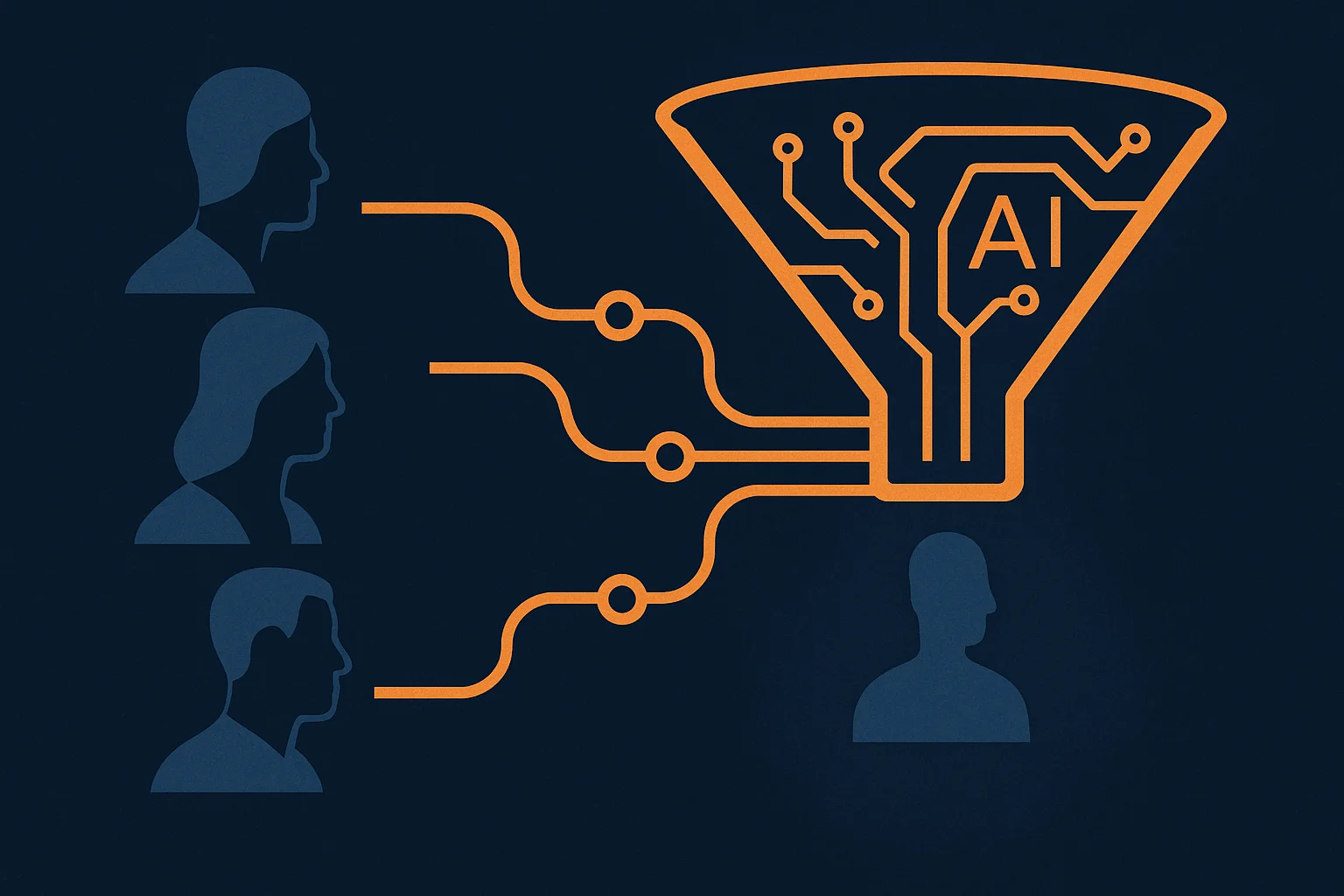
Resume screening is where most AI-in-HR conversations start — and where the most mistakes get made. The appeal is obvious: if you're getting 400 applications for a role, you need a way to get to the 20 who are worth a conversation without spending 30 hours reading cover letters. AI can do that. The question is how you configure it.
The wrong approach is to use AI as a keyword filter in disguise. Screening out resumes because they don't contain "Python" or "SaaS" misses candidates who could learn those things in a week and keeps you looking at the same profiles you've always seen. You're not solving a problem; you're just automating a biased process faster.
The right approach is to use AI to surface signal about potential, not just pattern-match against a job description. Tools like SeekOut, Findem, and Greenhouse's AI screening layer can score candidates on demonstrated competencies — what they've actually built or accomplished — rather than just credentials and keywords. You set the criteria, the AI surfaces candidates who fit them, and you do the actual evaluation.
A few practical guidelines for rolling out AI screening:
- Audit your criteria first. If your "ideal candidate" definition has implicit biases baked in, AI will scale those biases. Before automating screening, review your criteria with fresh eyes (or a consultant who specializes in equitable hiring).
- Keep humans in the loop on every rejection. AI should filter candidates in for review, not filter them out of the process entirely. A human should sign off on any rejection, especially in early hiring stages.
- Track your source of hire and quality of hire by cohort. You want to know if AI-assisted screening is producing better hires, not just faster hires. Set up measurement before you turn the system on.
Used well, AI screening can cut the time between application and first interview by 40–60% — a meaningful improvement for both your team and your candidates, who get a faster answer either way. If you're managing high-volume hiring, this is probably the single highest-ROI automation available to you right now.
Interview Scheduling: Fully Automatable, and Usually Not Automated
Coordinating interviews is the administrative work that nobody should be doing manually in 2026. It is, without exaggeration, one of the most automatable tasks in the entire HR function — and yet most companies still handle it via email chains and back-and-forth availability checks.
The Recruiting Tech Reviews data drives this home: scheduling automation is the single most-deployed AI tool in recruiting (35% at full production), which means it's also the clearest proof point. The teams that automated scheduling first report it's the change they'd least want to reverse.
The setup is straightforward. Tools like Calendly (with the right configuration), GoodTime, or Prelude integrate with your ATS and calendar. When a candidate clears screening, the system automatically sends them a scheduling link that pulls from real-time interviewer availability. The candidate books. Everyone gets calendar invites. A confirmation lands in your ATS. Nobody typed an email.
Where it gets more valuable: multi-stage interview panels. Coordinating three interviewers with three different calendars for a final-round candidate is the kind of scheduling problem that takes an HR coordinator 45 minutes of work and two hours of elapsed time. A scheduling tool does it in seconds. The same research found that complex panel coordination is where these tools still have occasional edge-case gaps — but even at 80% automation coverage, you've eliminated the majority of the manual work.
If you do nothing else from this article, automate interview scheduling. It's fast to deploy, immediately visible to candidates (who notice and appreciate the professionalism), and frees your team's time for conversations that actually matter. You can connect it to the rest of your workflow using Make.com to trigger notifications, update your ATS, and route candidates to the next stage automatically.
Want help building this for your HR team?
We design and implement AI automation systems for operations and HR teams. Book a free 30-minute call — we'll identify your biggest time sinks and map out a plan to eliminate them.
Book a Free Strategy Call →Onboarding Automation: The Week-One Experience Doesn't Have to Be a Mess
First-week onboarding is where companies make and break new hires. A disorganized first week — missing equipment, unclear expectations, an inbox full of forms — signals to a new employee that the company isn't on top of things. That impression sticks. It affects performance, engagement, and retention.
Most onboarding chaos comes from the same cause: it's a cross-functional coordination problem. HR, IT, the hiring manager, payroll, and the new hire all need to do specific things in a specific sequence, and the default process is a combination of email, tribal knowledge, and hope. AI can orchestrate that sequence automatically.
Platforms like Enboarder, WorkBright, and newer agentic tools from Ema.ai can trigger onboarding workflows the moment a hire is confirmed in your ATS. A typical automated sequence looks like this:
- Offer acceptance triggers equipment provisioning request to IT and access setup for required tools.
- New hire receives a personalized onboarding portal with pre-boarding tasks (tax forms, direct deposit, handbook acknowledgments) organized by due date.
- Day-one welcome message arrives from their manager (drafted by AI, personalized to the role and team).
- Week-one check-in is scheduled automatically with the hiring manager.
- Outstanding paperwork triggers automated reminders — to the new hire and to HR — until completed.
- 30-day and 90-day check-in surveys are automatically sent, with results routed to the hiring manager and HR dashboard.
The result is that HR isn't manually chasing down signatures and following up on equipment requests. The new hire has a clear, organized experience that communicates the company knows what it's doing. And because the workflow is systematic, nothing falls through the cracks when HR is managing five hires simultaneously.
For companies using AI in their operations function more broadly, onboarding automation fits neatly into the same workflow orchestration infrastructure — it's just another cross-functional process that benefits from defined triggers and automated hand-offs.
Employee Q&A Bots: HR's Time Back from the Policy Inbox
There is a category of HR question that consumes enormous time and requires zero expertise to answer correctly: "How many PTO days do I have left?" "What's our parental leave policy?" "How do I submit an expense report?" "When does open enrollment end?" These questions have known, factual answers that live in your policies and systems. Every time an HR team member answers one manually, that's time they could have spent on something that actually requires their judgment.
An internal AI assistant — a chatbot trained on your HR policies, employee handbook, and benefits documentation — handles these questions instantly, accurately, and at any hour. Employees get faster answers. HR gets their time back. The implementation is not complicated: tools like Guru, Notion AI, or a custom GPT trained on your internal documentation can serve as the first line of response for common HR questions, with a clear escalation path for anything that needs a human.
The key to doing this well is keeping the knowledge base current. An AI that gives outdated answers about PTO accrual or benefits enrollment windows is worse than no AI at all — it erodes trust in both the tool and the HR function. Assign someone to audit the knowledge base quarterly, especially after open enrollment, policy updates, or any benefits changes.
A few categories of question where AI handles well:
- Benefits information (what's covered, how to enroll, who the providers are)
- PTO and leave policies (accrual rates, how to request, blackout periods)
- Payroll questions (pay schedule, how to read a paystub, direct deposit changes)
- Expense reporting (submission process, approval workflow, reimbursement timeline)
- Company policies (remote work, travel, code of conduct)
A few categories where you always want a human:
- Anything involving performance, termination, or corrective action
- Harassment or discrimination complaints
- Complex benefits situations (ADA accommodations, FMLA, COBRA)
- Salary or compensation conversations
The line is straightforward: AI answers the factual, policy-based questions. Humans handle anything with emotional weight, legal complexity, or genuine discretion required.
Compliance Tracking: Letting AI Monitor What Humans Keep Forgetting
Compliance in HR — training certifications, I-9 re-verification, performance review cycles, licensing renewals — is one of those areas where the risk of missing a deadline is high and the work involved in tracking it is low-value and repetitive. It's exactly what automation is for.
An AI-connected compliance system watches your employee records and triggers the right alerts at the right time. I-9 expiring in 60 days? The employee gets an email, the HR manager gets a task, and it appears on a compliance dashboard. Annual harassment training due for the ops team? The system sends invitations, tracks completion, and escalates non-completers to the department head. Performance review cycle opening? Managers get notified, templates are pre-populated with the employee's last review, and deadlines are tracked automatically.
Tools like Rippling, Deel (especially useful for companies with international employees), and BambooHR all have compliance workflow automation built in at various levels. For more custom workflows — say, tracking industry-specific certifications or multi-jurisdiction requirements — you can build compliance monitoring on top of Make.com connecting your HRIS to a task management or notification system.
The ROI here isn't just time savings — it's risk reduction. A missed I-9 re-verification or an overdue required training isn't just an administrative gap. It's a legal exposure. Automating the monitoring means these things don't depend on anyone remembering them.
Where to Start: A Practical Sequence for HR Teams
If you're trying to bring AI into your HR function and you're not sure where to begin, here's a sequence that works for most teams regardless of size:
Week 1–2: Audit your repeating tasks. What does your HR team do every week that follows a predictable pattern? Time spent on screening? Scheduling coordination? Answering the same five questions? Pick the task with the highest time cost and the clearest, most definable process. That's your first automation target.
Month 1: Automate scheduling. This is the easiest win with the fastest visible impact. Set up automated interview scheduling with your existing calendar and ATS. Measure time saved. Show the win internally — it builds confidence and budget for the next step.
Month 2: Deploy the employee Q&A bot. Build a knowledge base from your top 30 most-asked HR questions. Deploy an internal chatbot. Measure ticket deflection from HR's inbox or chat. This one has compounding value — every question the bot answers is time HR gets back permanently.
Month 3: Onboarding automation and compliance monitoring. These require more cross-functional coordination (IT, finance, hiring managers) but deliver outsized impact on both employee experience and risk management. Use the credibility you've built in months one and two to get stakeholder buy-in for the process changes these require.
The common thread across all of these: start with the workflow, not the tool. Know what you're trying to automate before you evaluate software. The teams that get stuck are the ones that buy a platform and then try to figure out what to do with it. The teams that succeed identify the problem first.
If you want a more in-depth look at how these automations fit into a broader business operations strategy, our guide on AI for operations managers covers the workflow mapping process in detail — the same approach applies whether you're in HR or running a broader ops function. And if you're evaluating which business processes to automate first, our post on 5 AI automations every small business should set up this quarter gives you a useful prioritization framework.
HR has always been the function that enables every other function to work. AI gives HR teams the capacity to actually live up to that mandate — not by replacing the human element, but by removing the administrative noise that's been obscuring it.