If your finance function still runs on inboxes, spreadsheets, and someone manually keying invoice data into QuickBooks, you're paying a steep tax — and not just in dollars. The average manually-processed invoice costs between $12 and $19 to handle when you factor in staff time, errors, and the inevitable back-and-forth to chase approvals. Multiply that by a few hundred invoices a month and you're looking at a real line item on your P&L that exists entirely because of process debt.
The good news: AI has made a serious dent in finance operations over the past 18 months, and the tools available to small and mid-size businesses today would have required a full-time finance systems team to build two years ago. Invoice processing that used to take a week can now happen in minutes. Cash flow forecasts that required a financial analyst can now be generated automatically from your accounting software. Monthly close that consumed three days of bookkeeper time can be compressed to a few hours with AI-assisted reconciliation.
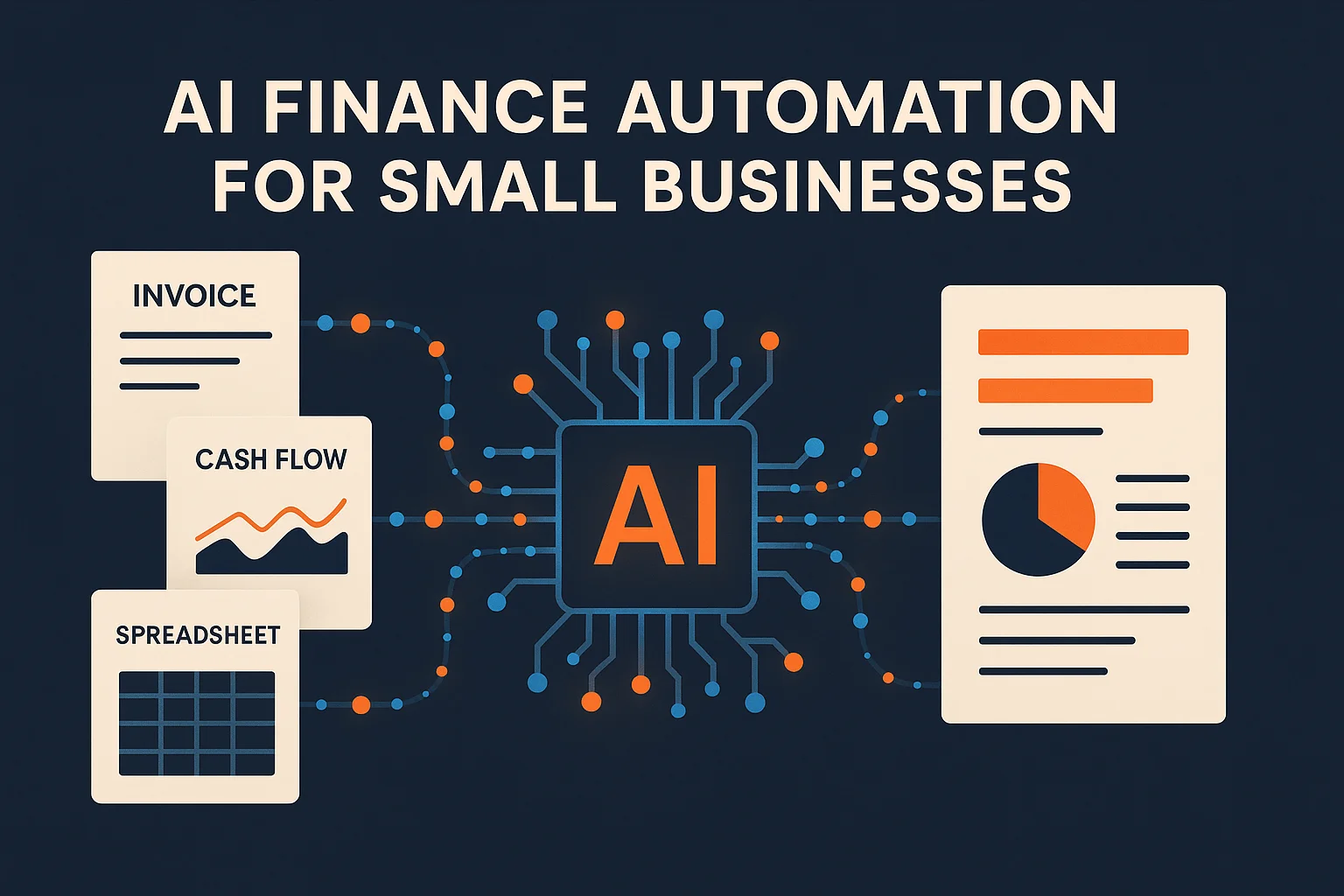
This guide covers the four highest-impact areas where AI is transforming finance operations for growing businesses: invoice processing, expense categorization, cash flow forecasting, and automated financial reporting — plus the compliance safeguards you actually need, and where to start if you're not sure what to tackle first.
The Real Cost of Manual Finance Work
The actual cost of manual finance processes almost always surprises business owners when they calculate it honestly. It's not just the $12–19 per-invoice figure — it's the compounding effects: late payments because invoices got buried in an inbox, reconciliation errors that take hours to track down at month-end, cash flow surprises because no one had time to build a proper forecast, and decisions made on gut feeling because financial reports take too long to run.
A 2026 invoice automation study found that nearly 39% of all invoices contain at least one error when processed manually — wrong amounts, misrouted approvals, duplicate entries. And over half of all U.S. invoices are paid after their due date, largely due to process friction rather than cash scarcity. That means AP departments are routinely leaving vendor relationships strained and early-payment discounts uncaptured, all because of manual bottlenecks that AI can now solve.
For most small businesses, the finance team isn't really a "team" — it's one person wearing several hats, or an external bookkeeper who comes in a few hours a week. AI doesn't replace that person. It makes them dramatically more effective and lets them spend their time on judgment rather than data entry.
AI Invoice Processing: From Inbox to Approved in Minutes
Traditional accounts payable looks like this: invoice arrives by email, someone downloads the PDF, manually keys in vendor name, amount, line items, and GL code into the accounting system, routes it to the right person for approval, waits, follows up, processes payment. Somewhere in that chain, things get lost, duplicated, or coded to the wrong account.
AI-powered invoice processing compresses most of this to near-zero human effort. Modern tools use OCR (optical character recognition) combined with AI to extract structured data from invoices with 99%+ accuracy — including vendor name, invoice date, due date, line items, amounts, and tax details. That data is automatically matched against purchase orders or prior invoices to validate amounts, flagged for exceptions, and routed for approval with the context already attached.
Tools like Vic.ai, Invoxi, and Docspire handle the full AP workflow autonomously for the majority of invoices, only surfacing items that need human review — vendor you haven't seen before, amount that exceeds a threshold, line items that don't match a PO. For a business processing 150–300 invoices per month, this typically reduces AP staff time by 60–80% and cuts per-invoice cost from that $12–19 range down to $2–4.
The Approval Workflow
The other half of invoice processing is approvals. AI-powered systems can be configured with approval routing rules — invoices under $1,000 auto-approve for known vendors, invoices between $1,000 and $10,000 route to the department head, invoices above $10,000 require sign-off from the owner or CFO. Approvals happen via email or Slack with one click, with full context attached. The average approval cycle drops from 5–7 days to under 24 hours.
If you're building this with automation tools rather than a dedicated AP platform, Make.com handles this workflow well: watch a Gmail or shared inbox for incoming invoices, extract data via a document AI integration, create the record in QuickBooks or Xero, send an approval notification via Slack, and process payment upon approval. It's a 6-step automation that can be built in a day and runs hands-free from there.
Automated Expense Categorization
If your bookkeeper spends any meaningful time each month categorizing transactions — assigning GL codes, splitting expenses across departments, cleaning up miscategorized items — that's time that AI should be handling. Modern accounting AI can learn your categorization patterns and apply them automatically, with accuracy that typically exceeds 90% after a brief training period.
QuickBooks and Xero both have built-in AI categorization that gets better over time as it learns your business. For more control, tools like Clockwork and Narratio sit on top of your existing accounting software and add AI-powered categorization with the ability to set custom rules. When a transaction doesn't fit an existing pattern, it's flagged for review rather than guessed at — which is the right call for an AI system handling financial data.
The practical benefit beyond time savings is consistency. When categories are applied by rule rather than human judgment, your P&L becomes more reliable. You stop seeing month-to-month swings in expense categories that are really just categorization inconsistencies, and your financial reports start to mean something as a management tool.
Expense Reports Too
Employee expense reports are a special category of pain. AI tools like Expensify (which has added serious AI capabilities) and Ramp can scan receipts via mobile camera, extract line-item data, match against company policy, flag policy violations, and submit for approval — all without the employee doing anything beyond taking a photo. The bookkeeper sees a clean, pre-coded expense report rather than a pile of receipts and a spreadsheet to reconcile.
Cash Flow Forecasting: Stop Getting Surprised
Cash flow surprises kill small businesses. Not because business owners are bad at their jobs, but because building an accurate 13-week cash flow forecast is genuinely time-consuming when done manually — pulling AR aging, AP schedules, payroll runs, upcoming large expenses, projected sales. Most business owners either don't do it at all, or do it inconsistently, which means they're flying blind during tight months.
AI cash flow forecasting changes this by automating the data pull and the projection. Tools like Clockwork, Finoya, and Quarynt connect directly to your accounting software and generate rolling cash flow forecasts automatically — updated daily as new transactions come in. They surface the questions that matter: "Based on your current AP schedule and projected AR collections, you'll have a $34,000 cash gap in week 8. Your three largest open invoices account for $41,000 of outstanding AR — do you want to trigger follow-up reminders?"
The difference between a cash flow forecast built manually once a month and one that updates daily with AI is the difference between a weather forecast and a weather report. One helps you plan. One tells you what already happened.
Scenario Planning
Good AI forecasting tools also support scenario planning: what does cash flow look like if your largest client pays 15 days late? What if you land that $80K contract next week? What if you need to replace a key piece of equipment? These scenarios used to require a financial analyst and a spreadsheet model. Now they're a few clicks in a tool that already has all your numbers.
Want AI handling your financial operations?
We build custom AI finance systems — invoice processing, automated reports, cash flow forecasting — tailored to how your business actually works. Book a free call to see what's possible.
Book a Free Strategy Call →Automated Financial Reporting
Monthly financial reports — P&L, balance sheet, cash flow statement, budget-versus-actual — are the single most underused management tool in small business. Not because business owners don't want them, but because producing them takes time, requires a bookkeeper or accountant, and often arrives three weeks after the month closes, by which point it's history rather than intelligence.
AI-powered reporting tools like Narratio (which connects directly to QuickBooks or Xero) generate plain-English financial reports automatically at the close of each month. Not charts and tables — actual narrative: "Revenue was $127,000 in May, up 14% from April. Your software and subscriptions category is running 22% above budget year-to-date — primarily driven by three new tool purchases in Q1 that weren't in the original plan. Gross margin held at 68%, consistent with your trailing six-month average."
That kind of report takes a bookkeeper two to three hours to write. AI generates it in under a minute, and does it every month without fail. For context on how powerful AI-generated business intelligence can be when applied to the right data, see our deep-dive on AI-powered business intelligence systems — the same principles apply to financial reporting specifically.
Custom KPI Dashboards
Beyond monthly reports, AI tools can track the specific financial KPIs that matter to your business model — gross margin by product line, revenue per employee, customer acquisition cost versus lifetime value, days sales outstanding — and surface alerts when metrics move outside their normal range. This is the financial equivalent of having a part-time CFO watching your numbers, at a fraction of the cost.
Compliance Safeguards You Actually Need
The concern most business owners raise about AI in finance is compliance: what if the AI makes a mistake? What are the audit trail implications? Who's responsible if something goes wrong?
These are fair questions with practical answers. First, the safeguard architecture matters more than the AI system itself. Every AI-processed transaction should have a human-reviewable audit trail: what data came in, what the AI decided, whether any rules triggered, and what the human approval was. All the tools mentioned in this article maintain these audit trails by design — they're not optional features.
Second, the right posture for AI in finance is augmented review, not autonomous control. AI handles the data extraction, categorization, and routing. Humans make the approval decisions for anything above defined thresholds. Payments don't go out without a human in the loop. This isn't a limitation of the technology — it's good practice regardless of what system you're running.
Third, tax compliance specifically should remain with your accountant or bookkeeper, using AI as a tool rather than a replacement. AI categorization makes their job faster and the books more accurate. The judgment calls on depreciation schedules, entity structure, and tax elections still require professional advice. The ROI of AI in finance comes from eliminating data-entry work, not from replacing professional judgment.
The Tool Stack Worth Knowing in 2026
Here's a practical overview of the tools doing real work in small business finance right now:
- Invoice Processing: Vic.ai (mid-market), Invoxi (SMB), Docspire (document AI), or Make.com for custom workflow automation
- Expense Management: Ramp (full card + expense platform), Expensify (expense reports), Brex (card + controls for startups)
- Accounting + AI Categorization: QuickBooks Online or Xero (both have native AI) plus Clockwork for FP&A on top
- Cash Flow Forecasting: Clockwork, Finoya, or Quarynt (autonomous finance agents built for growing businesses)
- Plain-English Financial Reports: Narratio (connects to QuickBooks/Xero, generates narrative reports monthly)
- Workflow Automation Layer: Make.com for connecting tools that don't have native integrations and building custom approval flows
You don't need all of these. Most small businesses benefit most from starting with invoice processing automation (highest ROI, fastest payback) and then adding automated reporting once the underlying data is clean and consistent. Once you've automated the core business automations, finance is a natural next layer.
Where to Start: A Practical Sequence
If you're building out AI finance operations from scratch, here's the sequence that works for most small and mid-size businesses:
- Audit your current process first. Before buying any tools, map what actually happens with an invoice from the moment it arrives in your inbox to the moment payment clears. Count the steps, the handoffs, and the places where things get stuck. This map tells you where the highest-value automation targets are — and they're usually obvious once you write them down.
- Clean up your chart of accounts. AI categorization is only as good as the category structure it's working with. If your GL has 200 accounts, many of which are unused, redundant, or poorly named, spend an hour with your bookkeeper cleaning it up before you introduce automation. You'll get much better categorization accuracy and cleaner reports.
- Start with invoice processing. It has the clearest ROI (time savings × invoice volume × current cost per invoice), the shortest implementation time, and the lowest compliance risk. Most businesses see payback in under 90 days. Start with a tool like Invoxi for SMBs or a Make.com workflow if you want more control.
- Add automated reporting next. Once your data is being captured accurately, connect Narratio or Clockwork to get monthly plain-English reports. Your first report will almost certainly surface a categorization issue or a budget line that's running hot — that's the system working as intended.
- Layer in cash flow forecasting last. Cash flow forecasting is only as good as your AP and AR data quality. Fix the inputs first (invoices, expenses, revenue recording) and then add forecasting. In that order, forecasts are genuinely useful. Backwards, they're noise.
Finance is one of the few areas where AI pays for itself almost immediately in measurable dollar terms. The hours your bookkeeper saves on data entry, the errors that don't make it into your books, the late payments you stop making because your AP workflow actually works — these are line-item savings that show up in your P&L within a quarter of implementation.
The businesses that hesitate to automate finance often do so because it feels like a risk. In practice, the risk is the other direction: continuing to run your finances on manual processes while your competitors are making decisions faster, with more accurate data, at lower cost. That gap only widens.