You've invested in AI tools. Maybe a chatbot, an automation platform, a few AI-assisted workflows. Your gut says it's helping. But "my gut says it's helping" is not a number you can put in a board deck, use to justify next year's budget, or share with a CFO who's questioning every line item.
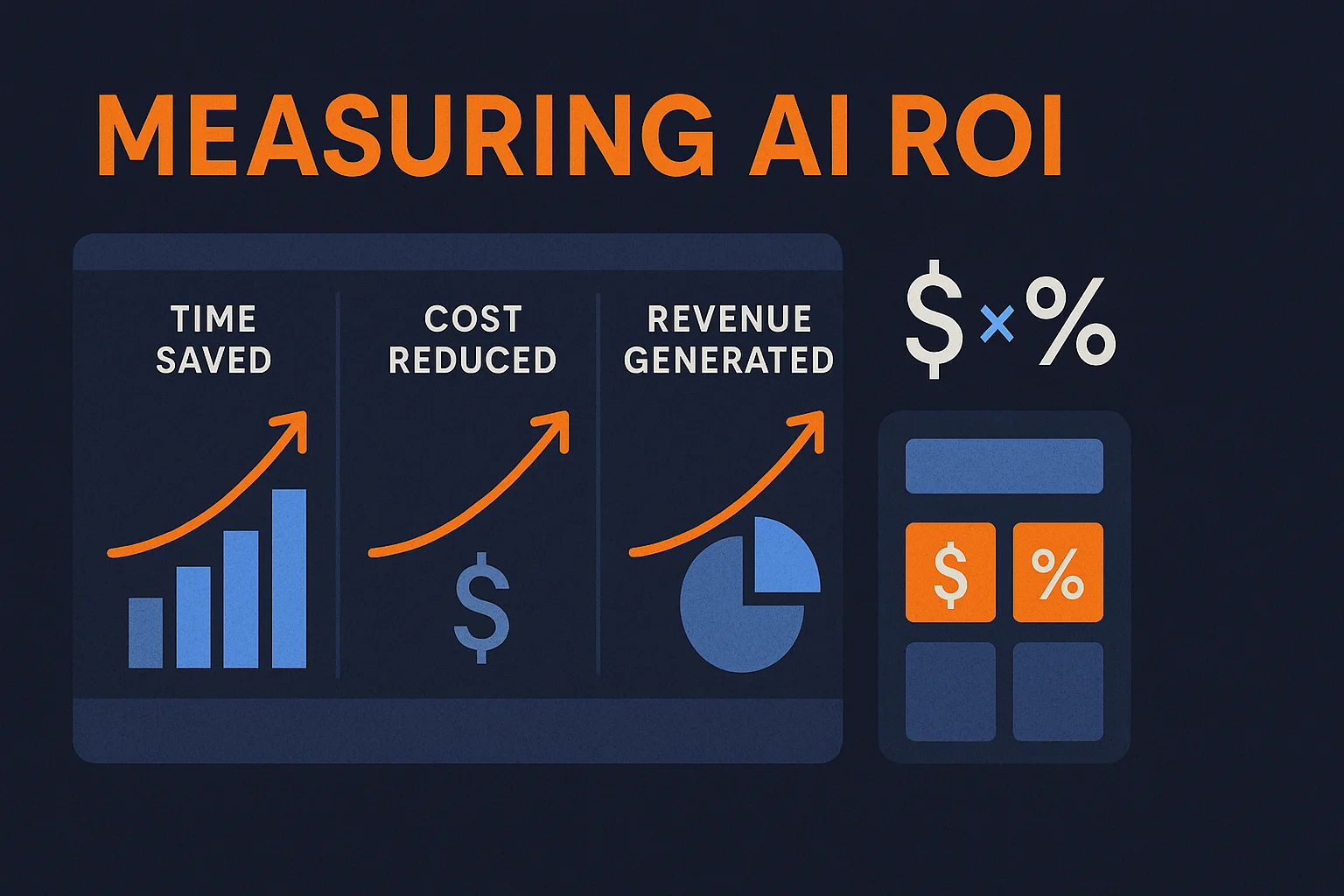
Measuring AI ROI sounds like it should be complicated. In practice, for a small business, it comes down to three things: how much time did this save, how much did that time cost before, and how much does the AI cost to run. Everything else — the dashboards, the attribution models, the reporting cadence — is just scaffolding around that core math. This guide gives you the formulas, walks through a real example, and shows you exactly what to track and when.
Why Most AI Investments Fail to Show ROI — and It's Not the AI's Fault
According to PwC's 2026 Global CEO Survey, 56% of executives report zero measurable ROI from their AI investments in the past 12 months. That's a striking number — but the cause is almost never the technology. It's the measurement framework.
Three mistakes account for most of the failures:
- No baseline was documented before deployment. If you don't know how long a task took before AI, you can't prove how much faster it runs after. This is the most common mistake, and the easiest to avoid.
- Adoption was measured instead of outcomes. "70% of the team is using it" is not ROI. ROI is how much more productive those users became, and whether that maps to financial impact.
- Scope was too broad. "AI for marketing" or "AI for operations" is unmeasurable. "AI-assisted lead qualification reducing our weekly follow-up time from 5 hours to 45 minutes" is measurable. Pick one workflow. Measure it cleanly.
The fix for all three is the same: define the workflow, document the baseline, and then measure against it. The rest of this guide shows you exactly how.
The Core ROI Formula (and Why It's Simpler Than You Think)
At its simplest, AI ROI looks like this:
For most small businesses, "cost of time saved" does most of the work. That's because owner and employee time is the most expensive input in the operation — and AI automation almost always recovers significant quantities of it.
The full annual AI cost includes everything: software subscriptions, API usage fees, any one-time build or setup costs amortized over the year, and your team's time spent managing or maintaining the system. Don't undercount this — tools that appear cheap at the subscription level often have meaningful API costs when used at scale.
How to Measure Time Saved (The Right Way)
Time saved is the easiest ROI lever to measure and the one most small businesses undervalue. Here's the correct calculation:
The key word is "fully loaded." A $60,000/year employee costs roughly $80–90/hour when you factor in benefits, payroll taxes, and overhead. Using base salary understates the real cost of that time by 30–40%.
To measure time saved accurately, do this before deploying any AI system: time the task manually for two weeks. Log the actual minutes per occurrence and the weekly frequency. That is your baseline. After deployment, time the AI-assisted version of the same task and log the same metrics. The difference is your time saved — and it's defensible because it's measured, not estimated.
This is the same approach we walk clients through when designing automation systems. If you've been curious about building your first AI automation, the baseline documentation step is the one most people skip — and the one that makes the ROI case possible later.
How to Measure Cost Reduction
Cost reduction is distinct from time savings — it refers to direct dollar costs that disappear or shrink when AI is deployed. Common examples include:
- Reduced software spend: An AI that consolidates three tools into one workflow eliminates those subscription costs.
- Reduced contractor or temp labor: If you previously hired a part-time person to handle a task that AI now handles, that cost is directly attributable.
- Error reduction: Mistakes in invoicing, data entry, or customer communications have real costs — rework time, refunds, client relationship damage. AI-driven error reduction has measurable value.
- Support ticket deflection: AI chatbots that resolve support inquiries without human involvement reduce the per-ticket cost from $5–$15 (human-handled) to under $0.10 (AI-handled). At volume, that math becomes significant fast.
For each category, the measurement approach is the same: document the baseline cost before AI, measure the cost after, and record the delta monthly.
Revenue Attribution: The Honest Version
Revenue attribution is where AI ROI calculations tend to get either inflated or dismissed entirely. The honest answer is somewhere in the middle.
AI can contribute to revenue in three ways: by enabling more outreach at the same headcount (volume effect), by improving conversion rates through better timing and personalization (quality effect), and by shortening sales cycles through faster follow-up and qualification (speed effect). Each of these is attributable — but only if you track them.
For small businesses, the most defensible approach to revenue attribution is cohort comparison: compare a period before AI implementation to an equivalent period after, controlling for obvious external factors like seasonality or market changes. If your outbound sequence conversion rate was 3.2% before AI-assisted personalization and is 4.8% afterward, on the same volume, that improvement is attributable.
Resist the temptation to claim credit for outcomes that would have happened anyway. Conservative attribution that holds up to scrutiny is worth far more than an optimistic number that falls apart when questioned. The goal is a business case you can defend, not one you're proud of before anyone looks closely.
Not sure where to start measuring?
We help small businesses build measurement frameworks alongside their AI systems — so you know what's working from day one. Book a free 30-minute call to talk through your specific situation.
Book a Free Strategy Call →Setting Up Your ROI Dashboard
You don't need a sophisticated BI tool to track AI ROI for a small business. A well-structured Google Sheet does the job for most organizations — and the discipline of maintaining it matters more than the tool you use.
Your ROI dashboard should have four sections:
1. Automation Inventory
One row per AI system or automation deployed. Columns: automation name, workflow it handles, deployment date, monthly cost, and the workflow it replaced. This is your source of truth for what's running and what it costs.
2. Time Tracking
For each automation, track: baseline hours per week (documented before deployment), current hours per week (measured monthly), hours saved, and weekly dollar value of hours saved (hours × fully loaded rate). Update monthly. The cumulative column shows you the running total of time value recovered.
3. Cost Reduction Log
Any direct cost eliminated by AI goes here: tools cancelled, contractors no longer needed, error-related costs reduced. Date, description, and monthly dollar impact. Simple running total.
4. Revenue Impact
Cohort comparison data for any AI-influenced sales or conversion metric. Before rate, after rate, volume, and attributed revenue delta. Note your methodology — it will matter later when someone questions the number.
Tools like Google Workspace give you the spreadsheet infrastructure plus the ability to share and collaborate on this data without it living in a silo on one person's machine. Keep the dashboard in a shared folder with access for anyone who needs to contribute data to it.
For more advanced automation reporting needs — pulling data automatically from your tools rather than entering it manually — the automated weekly report setup we covered in AI-Powered Business Intelligence: From Raw Data to Weekly Insights gives you the infrastructure to feed your ROI dashboard automatically.
A Real Example: Lead Qualification Automation
Here's what the full ROI calculation looks like in practice, using a lead qualification automation as the workflow — a common first deployment for service businesses.
Baseline (before AI): A founder spends 5 hours per week responding to inbound inquiries, qualifying leads, and scheduling calls with the viable ones. Her effective hourly rate is $100.
After AI deployment: An automation built on Make.com handles the initial response, asks qualifying questions via a form sequence, scores the lead, and either books the call automatically or routes low-fit leads to a nurture sequence. The founder's time on this workflow drops to 45 minutes per week — reviewing the AI's decisions and handling edge cases.
That's not a fabricated number — it's what the math produces when a founder's time is the input and automation is the lever. Most operational AI automations for small businesses produce first-year ROI between 300% and 1,000% when calculated honestly against the real cost of owner or senior employee time. The investments that underperform are almost always cases where the wrong workflow was automated, or where the baseline was never documented.
Your Reporting Cadence
Measuring once and declaring success is a trap. AI systems change over time — model updates, workflow changes, scaling effects — and so does the ROI picture. Build a recurring review into your calendar:
- Weekly: Log time-on-task for any automation you're actively monitoring. Takes five minutes if you're tracking while work happens.
- Monthly: Update the ROI dashboard with actual numbers. Review any automation where performance has changed. Flag tools you're paying for but not using.
- Quarterly: Full review. Which automations are performing? Which have degraded? What new workflows are candidates for automation based on current time sinks? Use the quarterly review to decide your next automation investment — and fund it from the savings already documented.
The quarterly review is also when the compounding effect becomes visible. Three automations running well for six months tend to produce enough recovered time and cost savings to fund the next three automations from within the existing budget. This is how small businesses build AI programs that sustain themselves — not through growing AI budgets, but through reinvesting documented savings into the next layer of efficiency.
If you're still in the stage of figuring out which automations to prioritize first, our guide on 5 AI Automations Every Small Business Should Set Up This Quarter gives you a ranked list with setup instructions for each workflow.
The businesses that can show their AI ROI clearly are not just better at accounting. They're better at making the next decision — which automation to build, which to abandon, and how much to invest in what's working. That visibility compounds over time in ways that gut feel simply cannot.